Rapid App Innovation
Streamlining and Automating Daily Reporting
My Role
Research, design, and development Replit, Claude, and Chat GPT
Timeline
3 weeks
Platforms
Mobile
Problem
Schools need a more efficient, scalable way to document and communicate each child’s daily activities without relying on a labor-intensive end-of-day reporting process. Parents need timely visibility into their child’s school day so they feel informed, reassured, and confident about their child’s safety and well-being.
The app solves both needs by giving parents real-time updates throughout the day while automating activity tracking and report generation for school staff.
Used ChatGPT to develop a detailed research plan, then carried it out by interviewing teachers and school owners. I also used ChatGPT to synthesize the findings into clear takeaways that informed multiple design solutions.
These are what I gathered from participants:
- Fast, simple logging
- Better parent communication
- Bulk actions for multiple children
- Flexible editing and deletion
- Stronger child record management
Competitive analysis
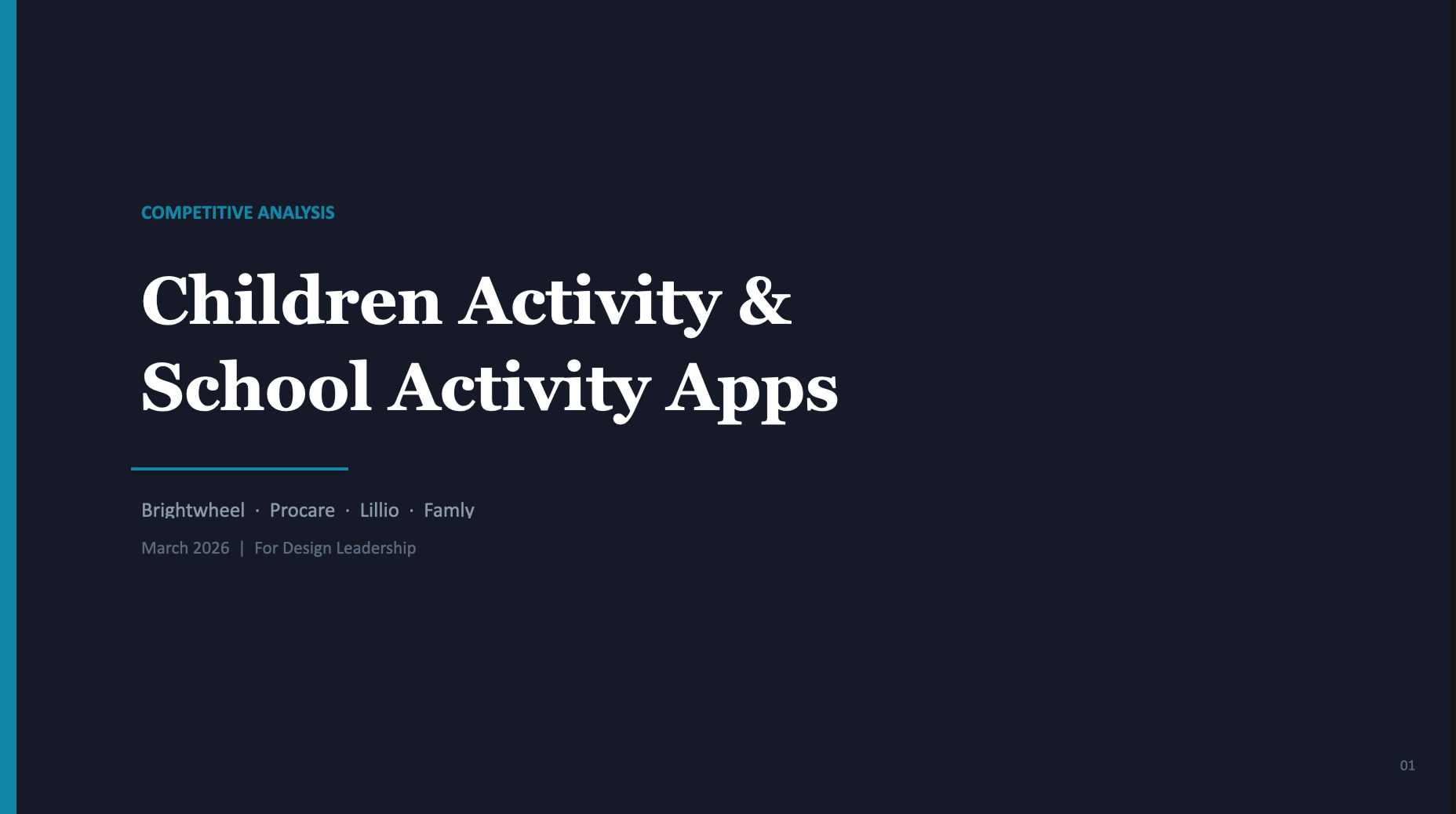
Competitive analysis with ChatGPT and Claude Cowork. These were some high-level quick takeaways.
- Fast teacher logging
- Strong parent communication
- Bulk actions for efficiency
- Simple but flexible workflows
- Clear end-of-day summaries


Things I did:
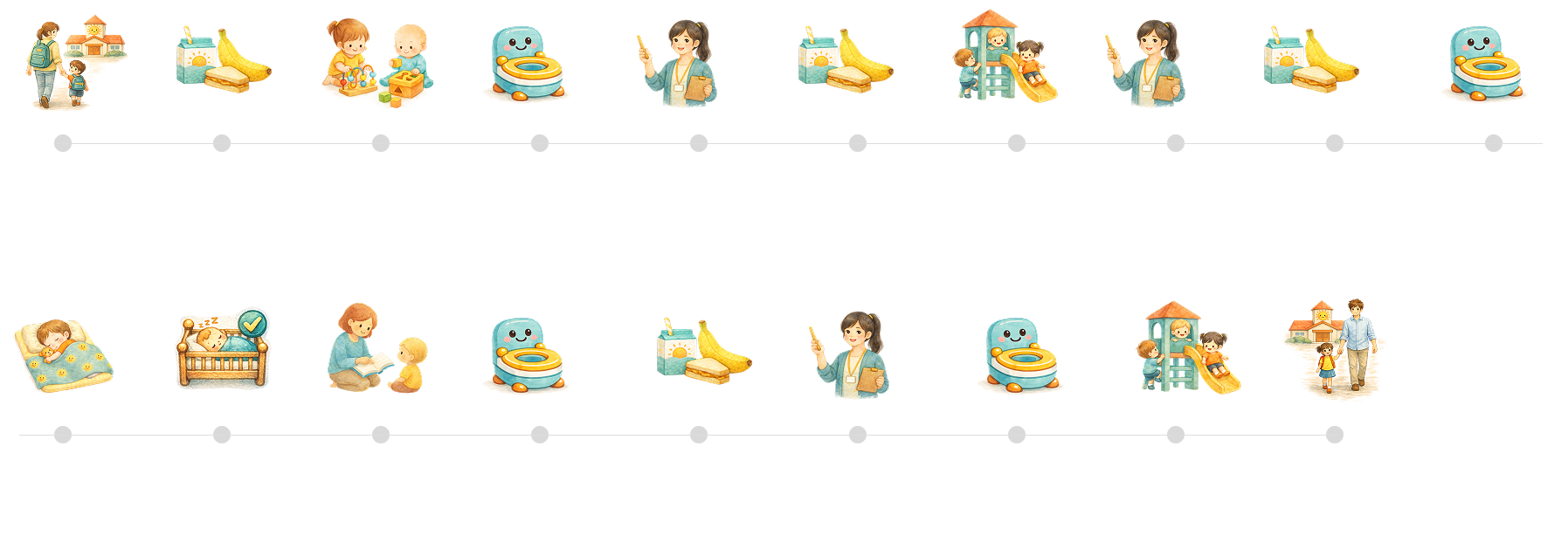
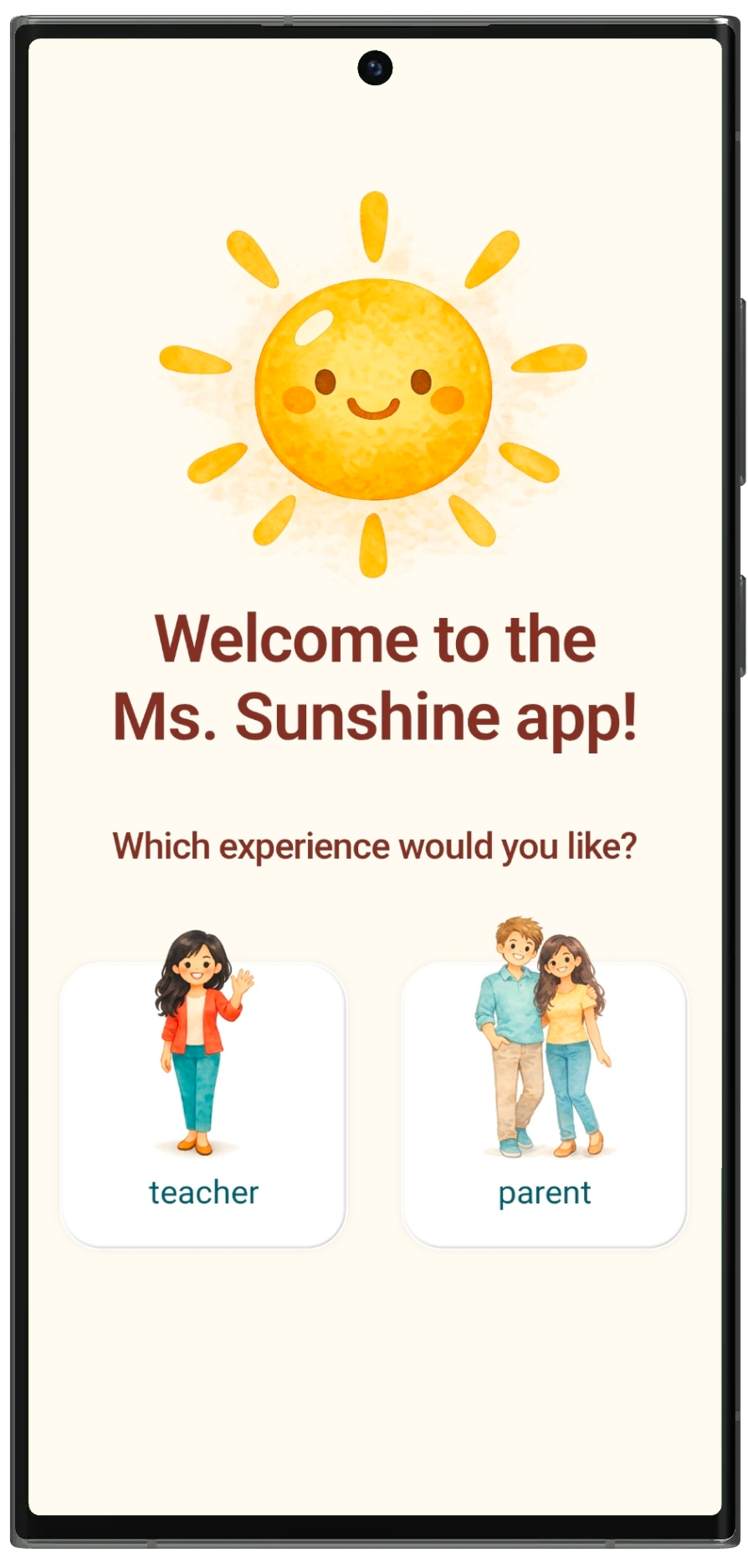
- Automate activity reporting through a simple teacher workflow that allows staff to select an activity, choose the child or children involved, and add a note when needed. Once submitted, the update is automatically logged in each child’s activity feed for parents to view.
- Triggered by the check-out action, the app automatically generates an AI-powered end-of-day summary of the child’s activities. The head teacher can review and edit the summary as needed before it is shared with parents.
- In the parent portal, parents can only view their own child’s feed and communicate with teachers in real time through comments on activity updates, with notifications sent for each reply.
- Using screens and components created in Figma, I created a fully functional MVP with Replit for client testing that allows staff to log activities, manage students and items, and communicate across teacher and parent versions on different mobile devices, then continued iterating on the product based on feedback from the client and other test users.